You received a Visa gift card, and you've been waiting for the perfect moment to use it. You log in to your Amazon account, add the items you’ve been planning to buy, and go to checkout. Then, you realize, you can't use your card the way you expected. The payment gets declined, or the balance isn't applied correctly.
It's frustrating because the card is valid, it has enough money, and you just want a smooth purchase. This happens to thousands of Amazon users every day, and it's not because your card is broken. It's because Visa gift cards require a specific process to work on Amazon.
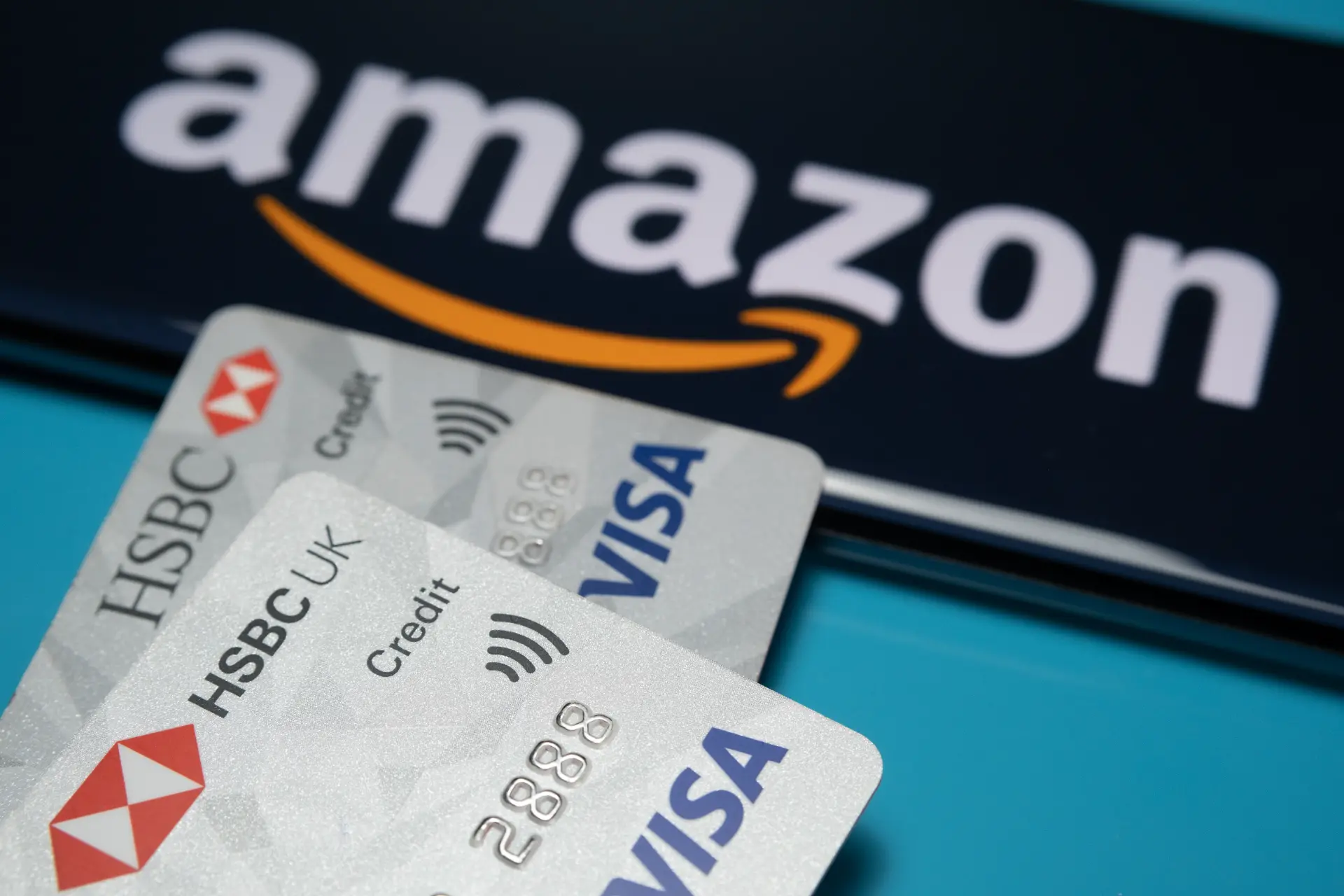
Let's check in detail, how to use a Visa gift card on Amazon, the best method to make it work reliably, and an alternative way to get value from your card if Amazon isn't the right option.
Can You Really Use Visa Gift Card on Amazon?
At first glance, it seems simple: Amazon accepts Visa, so any Visa card, including gift card should work, right? Unfortunately, it's not always that straightforward. While Visa gift cards function similarly to debit or credit cards, there are some important nuances to understand before you can use them successfully on Amazon.
Visa gift cards are prepaid cards, meaning they come with a set amount of money loaded onto them. Unlike traditional credit or debit cards linked to a bank account, their functionality is limited by design. Here's why these matters:
• Fixed Balance: A gift card can only be used up to the amount loaded on it. If your purchase exceeds this balance, the transaction will be declined unless you split the payment.
• Registered Billing Address: Amazon requires a billing address that matches the one registered with the card. Many gift cards allow you to set up a billing address online, and skipping this step can lead to declined transactions.
• Regional Restrictions: Some Visa gift cards are issued for specific countries. If your card was purchased in one country but you’re trying to use it in another, Amazon might reject it.
Because of these factors, even an active and fully loaded card can sometimes be declined at checkout. But don’t worry! This doesn’t mean the card is unusable. Once you understand how to properly prepare and use your Visa gift card, shopping on Amazon becomes much smoother and stress-free.
Before we walk you through the step-by-step process for using your gift card on Amazon, it’s crucial to ensure your card is fully activated, registered, and ready to use. Taking these preparatory steps can save you time and frustration at checkout.
How to Prepare to Use Visa Gift Card on Amazon?
Many users make the mistake of trying to use their Visa gift card on Amazon without proper preparation. This often leads to declined payments or frustrating checkout errors. To avoid these common mistakes, it’s important to follow a few essential steps before making your purchase:
1. Activate Your Card
Most Visa gift cards require activation before they can be used. This is usually done online or by calling a phone number provided by the card issuer. Activation links the card to your personal information and confirms that the funds are available. Without activation, Amazon will not recognize the card, and your payment attempt will fail, even if the card has money on it. Taking a few minutes to activate your card can save you from unnecessary frustration at checkout.
2. Register a Billing Address
This step is critical for successful transactions. Amazon cross-checks the billing address you enter during checkout with the address linked to your card. Even minor differences such as missing a zip code, using a nickname instead of your full name, or formatting the address differently etc. can cause your payment to be declined. Registering your billing address properly ensures that Amazon can verify your card and process the payment smoothly.
3. Check Your Balance
Before placing an order, make sure your card has sufficient funds to cover the total cost of your purchase. Visa gift cards cannot process transactions that exceed the available balance. Remember to include taxes, shipping fees, or any additional charges, as these can easily push your total above the card’s value. Checking your balance beforehand helps you avoid declined transactions and allows you to plan for partial payments if necessary.
4. Ensure Region Compatibility
Some Visa gift cards are region-specific and may only work in the country where they were issued. If your card was purchased in a different country than your Amazon account, currency mismatches or transaction restrictions may prevent successful payment. Verifying that your card is compatible with your Amazon account’s region can save time and prevent errors during checkout.
Once your card is fully activated, registered, and verified, you’re ready to use it for Amazon purchases. Proper preparation ensures a smooth checkout experience and helps you avoid the common headaches that come with declined transactions.
Step-by-Step Guide to Use Visa Gift Card on Amazon
Using a Visa gift card on Amazon can be straight forward, if you follow the right steps. Here’s a complete guide to avoid common issues:
1. Log in to Your Amazon Account
2. Navigate to Your Account
3. Go to Payment Options and add a Payment Method.
4. Add Your Visa Gift Card
Carefully enter the card number, expiration date, CVV (security code), and the billing address you registered with the card. Accuracy here is crucial. Take a moment to double-check your information before saving the card.
5. Select the Card at Checkout
When you're ready to place your order, choose your Visa gift card as the payment method. If your order exceeds the card's balance, Amazon will not process the payment unless you split it across multiple cards or combine it with another payment method.
6. Complete the Purchase
If the card’s balance covers your total order including taxes, shipping, or other fees, the transaction will go through smoothly.
Even when following these steps perfectly, some users still encounter declines or errors due to factors like regional restrictions or temporary verification issues. Fortunately, there’s a smarter approach that can eliminate most of these problems. That is to convert your Visa gift card to Amazon balance.
Convert Your Visa Gift Card to Amazon Balance
If you want a stress-free way to use your Visa gift card on Amazon, converting it into your Amazon balance is the easiest method. This approach eliminates most of the common checkout issues and ensures you can complete your purchases smoothly.
Your Amazon balance functions like cash within your account. Once loaded:
• No Address Verification Needed: You won’t need to worry about mismatched billing addresses causing declines.
• Avoid Declines: Unlike a gift card used directly, the balance is treated as a fully verified payment source, reducing the chance of failed transactions.
• Full Purchase Coverage: You can use the entire card value on a single order without needing to split payments or worry about leftover balances.
How to Convert Visa Card as Amazon Balance?
Step 1: Go to the "Reload Your Balance" Page
Log in to your Amazon account and navigate to the “Gift Cards” section. Under this section, select “Reload Your Balance.”
Step 2: Enter the Reload Amount
Enter how much of your Visa gift card balance you want to add to your Amazon account. It can be full balance or a portion of the net amount.
Step 3: Add Your Visa Gift Card as Payment
Select “Add a Payment Method” and enter the Visa gift card details like card number, expiration date, and CVV code. Ensure the information matches exactly as shown on the card.
Step 4: Confirm and Reload
Once the card details are entered, click on “Reload Your Balance.” Amazon will process the transaction, and the balance will be added to your Amazon gift card account within moments
Once the funds are in your Amazon balance, you can shop freely, just like using cash. This method avoids most common problems, such as partial payments or declined transactions, and makes the checkout experience much smoother.
How to Convert Visa Gift Card to Cash?
Sometimes, using your Visa gift card on Amazon can feel more complicated than it’s worth. If that sounds familiar, there’s a simpler alternative method, converting Visa gift card to cash.
Turning your Visa gift card into cash gives you flexibility and control. Instead of navigating potential checkout issues, you can access the full value of your card instantly and use it however you like, online, offline, or for other purchases.
Platforms like TradeCard, the best app to sell gift cards in Nigeria make this process straightforward.
Step-by-Step Guide to Convert Visa gift Card to Naira on TradeCard
1. Sign Up on TradeCard – Start by creating an account on TradeCard and completing the verification process.
2. Enter Card Details – Input your Visa gift card number, expiration date, and card denomination.
3. Choose Payment Method – Select how you want to receive your cash. TradeCard offers multiple options, including bank transfers, mobile wallets, or other available payout methods, giving you flexibility and convenience.
4. Submit the Card – Once submitted, TradeCard processes your request, and you’ll receive your cash quickly, often within minutes to a few hours depending on your chosen payment method.
The best part is that TradeCard is secure and transparent, making it a trusted platform for gift card trading in Nigeria. Once you have your cash, you’re free to use it anywhere.
FAQ
1. Can I use a Visa gift card on Amazon?
Yes, you can use a Visa gift card on Amazon, but it must be activated, registered with the correct billing address, and compatible with your account’s region to avoid declined payments.
2. How do I convert a Visa gift card to Amazon balance?
Navigate to “Reload Your Balance” in your Amazon account, enter the card details and reload amount. This method ensures smooth transactions without declines or partial payments.
3. Why is my Visa gift card not working even though it has funds?
Common reasons include mismatched billing addresses, exceeding the card balance, or regional restrictions. Registering the correct address and converting to Amazon balance usually fixes the problem.
4. How do I sell my Visa gift card for cash?
Platforms like TradeCard allow you to sell your card securely. Enter card details, choose a payout method, and receive cash quickly, often within minutes to a few hours.
5. What’s the easiest way to avoid Visa gift card payment issues on Amazon?
Convert the card to Amazon balance or sell it on TradeCard for instant cash. Both methods bypass declines, regional issues, and balance limitations, making purchases stress-free.
Conclusion
Using a Visa gift card on Amazon doesn’t have to be confusing or frustrating. The key is preparation. Following this guide allows you to use Visa card on Amazon directly or convert it to Amazon balance for a smoother checkout experience.
If Amazon isn’t the ideal option, converting your Visa gift card to cash using a trusted platform like TradeCard provides flexibility, convenience, and even opportunities to maximize its value. Whether you shop on Amazon or sell your card for instant cash, understanding the right methods ensures you get the full value of your Visa gift card without hassle.